Doodle Dragon Studio

Turn their sketches into a book you'll keep forever

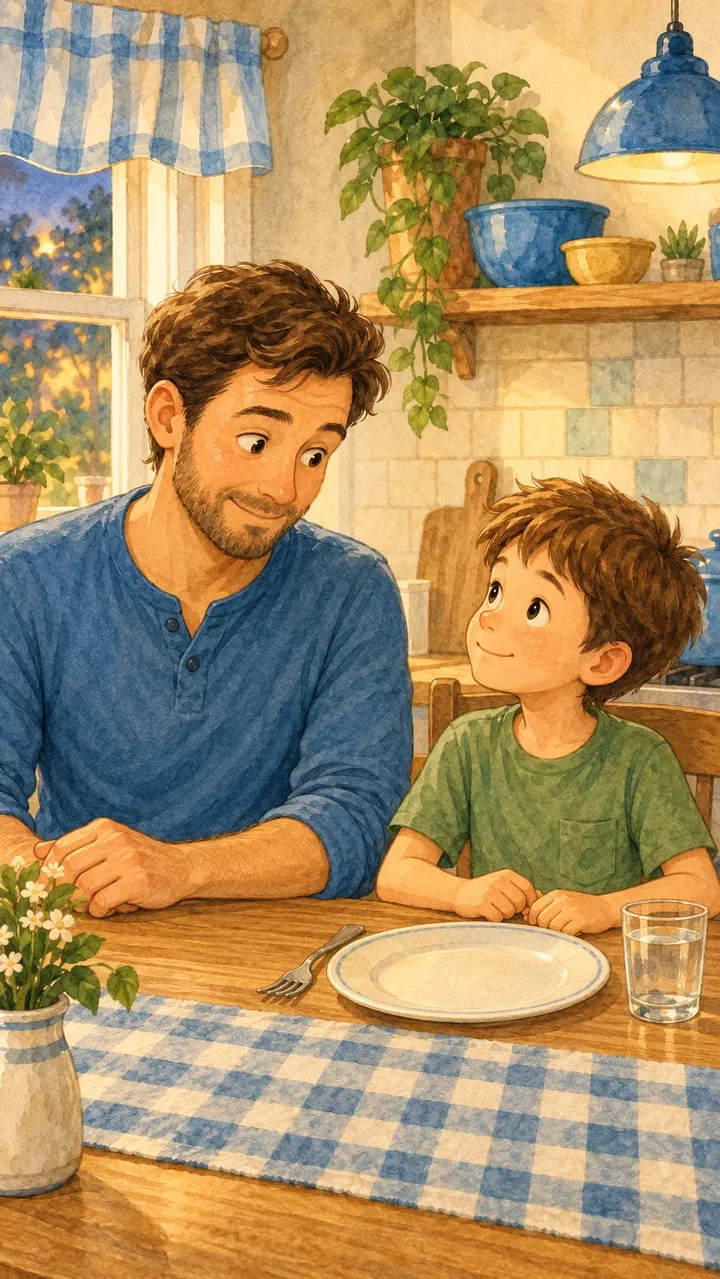
Doodle Dragon Studio takes the drawings on your fridge and the photos on your phone and turns them into real illustrated storybooks — narrated, laid out, and ready to print or share. You stay in charge of every word and every picture.

Free to draw, edit, and export. Studio Plus adds AI illustration, narration, and video.

Three ways to start a page

Every project begins with something you already have — a drawing from the kitchen table, a photo from a trip, or an idea you can describe out loud.

Start from a sketch

Draw straight onto the canvas or photograph a drawing they already made. Keep it exactly as it is, or turn it into a polished illustration that still looks like theirs.

Sketch to illustration

Start from a photo

Bring in a holiday photo, a birthday, a first day of school. Adjust it with simple looks, or reimagine it as a storybook illustration.

Photo to illustration

Plan a book from one idea

Choose a theme, describe the book you want, and get an editable page plan. The app can suggest suitable pictures already in your Library.

AI page planning

From a blank page to a finished book

  1. Pick your pictures

    Drawings, photos, or images you made earlier in the app. Everything lands in your project library with a label showing where it came from.

  2. Set the story

    Choose who it's for, how long it should be, and the tone. Add names, places, and details you want kept in — or skip all of it and write the story yourself.

  3. Edit every page

    Change the words, swap the picture, reorder pages, adjust the layout. Nothing is locked and nothing is final until you say so.

  4. Add a voice

    Record yourself reading it, import an audio file, or generate narration. Add background music and set how loud it sits under the voice.

  5. Export and share

    A page-by-page PDF, a video, or a project file you can hand to another device. Exporting is free and works offline; Android can also mix narration, clip sound, and music into the video.

Walk through it step by step

What you can make

Picture Story

A short illustrated book with an opening, editable story pages, and a closing.

Travel Diary

Trip photos, stops, highlights, and notes arranged as an editable travel keepsake.

Family Keepsake

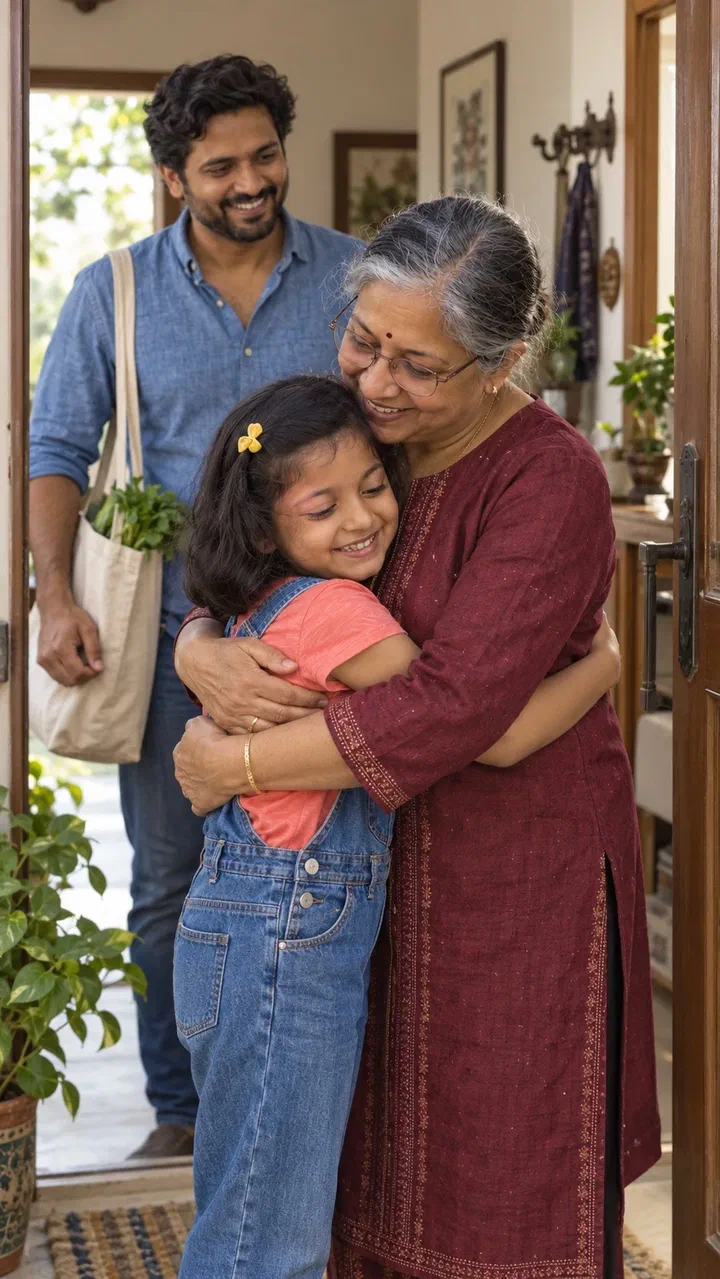
A short album for a birthday, a new sibling, a grandparent. Photos and captions, with illustrated alternates where you want them.

Little Biography

A child's story organised around milestones, favourite things, and a closing letter.

Milestone Book

Celebrate a birthday, a first year, or another meaningful occasion in chronological pages.

Blank Book

No opinions, no defaults. Choose your own layout for every page and build whatever you have in mind.

A lot of it works with no internet at all

Drawing, colour looks, light and colour adjustments, page layout, recording narration, and exporting a PDF or video are on-device features. They cost nothing, work in aeroplane mode, and never send your pictures anywhere.

See what's free

  • Full drawing canvas with brushes, colours, eraser, undo and redo
  • Adjust light, contrast, colour, and warmth
  • Curated looks — Original, Warm, Storybook, and Clean B&W
  • Import photos and video clips from your phone
  • Build and edit unlimited projects with as many pages as you want
  • Record narration with the microphone or import an audio file
  • Add background music, page narration, and page-video volume controls
  • Export a PDF or a video, and back projects up as .ddstory files

Built for parents, safe for the whole family

The grown-up drives

AI creation belongs to the account holder, who must be 18 or over. Children draw, tell the story, and watch it come together — they never have an account of their own.

Read more

Nothing is sent without a review step

Every AI request shows you exactly what will be sent and what it will cost before it happens. Free projects never contact an AI service at all.

Read more

Your work stays yours

You own what you make. Projects stay local by default, optional Studio Plus backup is private, exports use portable formats, and cancelling never locks you out of your local books or existing cloud restores.

Read more

Start with one drawing

Download Doodle Dragon Studio, pick a sketch off the fridge, and see it as a finished page in a few minutes. The free tier is genuinely free — no trial clock, no credit card.